About the directory & our standards

Lights / Multi-device setup

One control for mixed-brand office lights and home routines

Jennifer Pattison Tuohy built a useful home dashboard, a working mixed-brand office-light toggle, timed fan shutoff, AC-linked shades and solar-production alerts.

Read the original build See shopping list
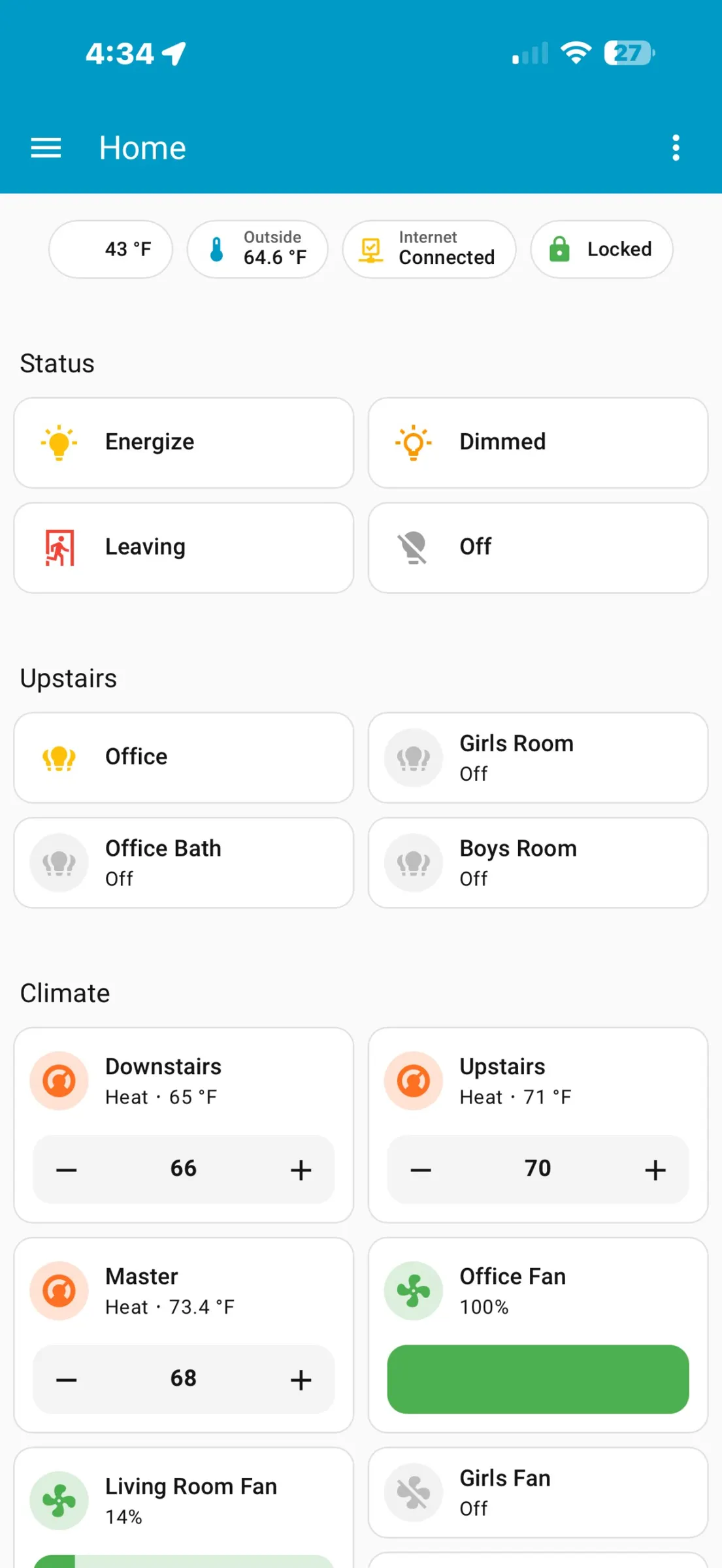
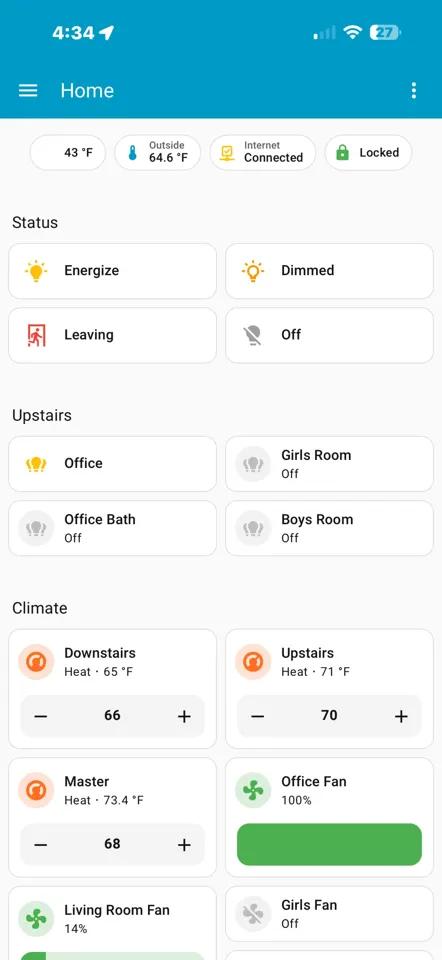
The finished Home Assistant control dashboard
Jennifer Pattison Tuohy / The Verge

What the hardware does

One dashboard operates mixed-brand lights, a fan, shades and home sensors.

How the agent helped

First-person article describes Claude writing YAML/configuration and automations, fixing the inverted fan-light behavior, and building the dashboard after ha-mcp integration.

Before you build

Existing Home Assistant integrations provide device access. Wrong-device actions required supervision; Anthropic supplied the creator’s Max account.

Follow the build

theverge.com

Original build story

First-person build walkthrough with before/after screenshots

github.com
Supporting source

Shopping list

Save as Markdown

The named products are examples from one home, not a mandatory starter bundle. Start with your existing supported Home Assistant devices; individual control examples need only their own devices and bridges.

Confirm before buying

  • Fan, switch and bulb SKUs, quantities, bridge revisions and Yellow configuration are incomplete.

Quantities are for one build. Unless marked source-specified, they are planning quantities; confirm kit contents and the chosen configuration before ordering.

  1. Qty. 1Plan / confirm
    Required

    Home Assistant Yellow

    Integration host.

    Confirm assembled kit, Compute Module, storage and power configuration; Yellow configurations vary.

    Sources & quantity basis

    Creator source. Planning quantity for one build; check the selected configuration.

    No exact purchase link verified; confirm the model and requirements above before ordering.

  2. Qty. 1Plan / confirm
    Required

    Computer running Claude / integration bridge

    Build, configure or flash the software.

    Connect the agent to Home Assistant.

    Sources & quantity basis

    Setup requirement — check against your configuration. Planning quantity for one build; check the selected configuration.

    Use existing equipment or match the specification above. No exact purchase link verified.

  3. Qty. ExistingPlan / confirm
    Required

    Local network

    Reach Home Assistant and devices.

    Sources & quantity basis

    Setup requirement — check against your configuration. Planning quantity for one build; check the selected configuration.

    Use existing equipment or match the specification above. No exact purchase link verified.

  4. Qty. 1Plan / confirm
    Conditional

    Minka-Aire fan

    Fan in the creator’s setup.

    Exact fan model not disclosed; only needed to reproduce that control.

    Sources & quantity basis

    Creator source. Planning quantity for one build; check the selected configuration.

    No exact purchase link verified; confirm the model and requirements above before ordering.

  5. Qty. 1Plan / confirm
    Conditional

    Bond Bridge

    Bridge for the fan.

    Required for the demonstrated Minka-Aire control path; exact Bridge revision not disclosed.

    Sources & quantity basis

    Creator source. Planning quantity for one build; check the selected configuration.

    No exact purchase link verified; confirm the model and requirements above before ordering.

  6. Qty. 1Plan / confirm
    Conditional

    Nanoleaf Blocks

    Lighting in the demonstrated home.

    Layout, kit size and panel count not specified.

    Sources & quantity basis

    Creator source. Planning quantity for one build; check the selected configuration.

    No exact purchase link verified; confirm the model and requirements above before ordering.

  7. Qty. 1Plan / confirm
    Conditional

    LIFX Luna

    Lighting in the demonstrated home.

    Sources & quantity basis

    Creator source. Planning quantity for one build; check the selected configuration.

    No exact purchase link verified; confirm the model and requirements above before ordering.

  8. Qty. Not statedPlan / confirm
    Conditional

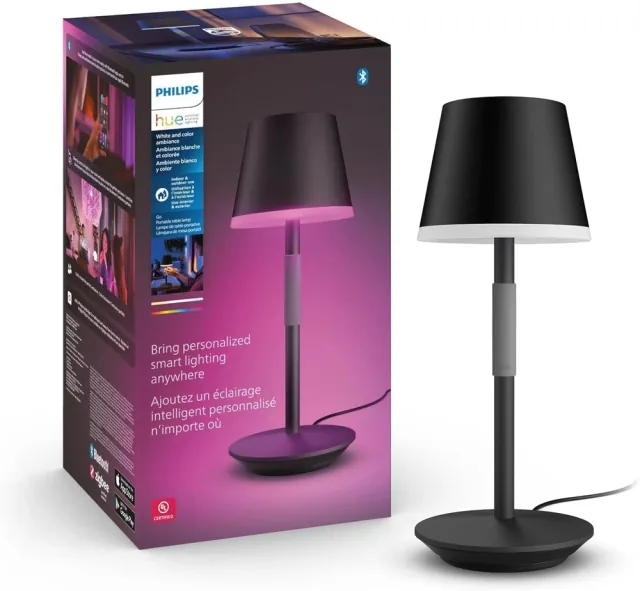
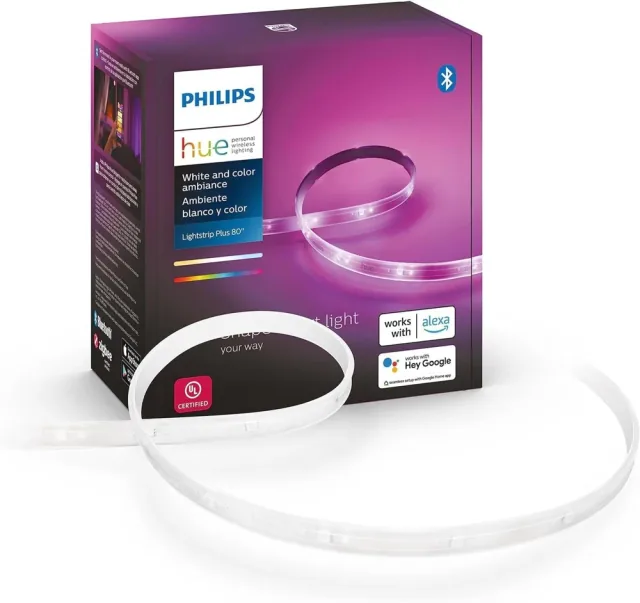
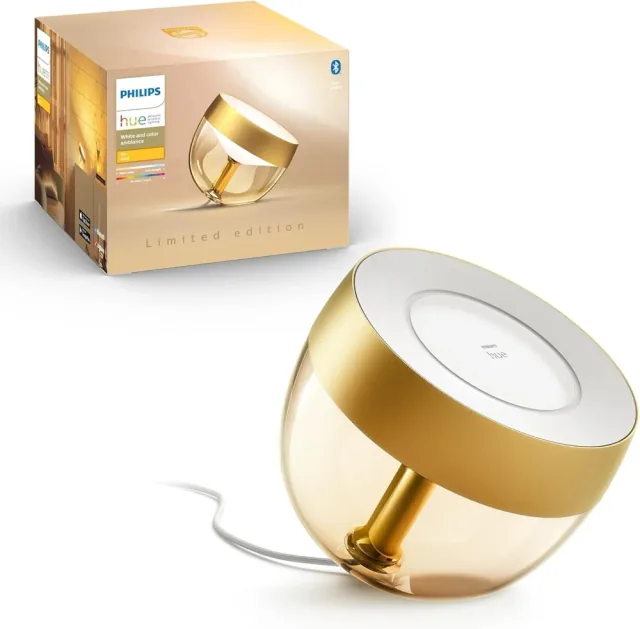
    Philips Hue bulbs

    Lighting in the demonstrated home.

    Bulb types, count and bridge configuration not specified.

    Sources & quantity basis

    Creator source. Planning quantity for one build; check the selected configuration.

    No exact purchase link verified; confirm the model and requirements above before ordering.

  9. Qty. 1Plan / confirm
    Conditional

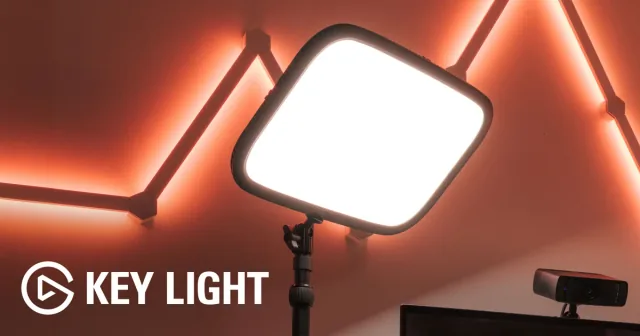
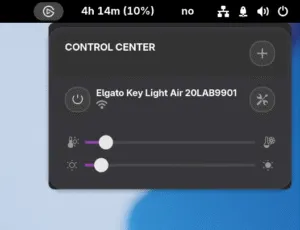
    Elgato Key Light

    Lamp in the demonstrated home.

    Sources & quantity basis

    Creator source. Planning quantity for one build; check the selected configuration.

    View product

    Product page

  10. Qty. 1Plan / confirm
    Conditional

    Leviton switch

    Switch in the demonstrated home.

    Exact switch model not disclosed; electrical work needs qualified installation.

    Sources & quantity basis

    Creator source. Planning quantity for one build; check the selected configuration.

    No exact purchase link verified; confirm the model and requirements above before ordering.

  11. Qty. Per devicePlan / confirm
    Conditional

    Device power supplies / required bridges

    Support the devices you choose.

    Check existing integration and package contents rather than buying every device in this example.

    Sources & quantity basis

    Setup requirement — check against your configuration. Planning quantity for one build; check the selected configuration.

    Use existing equipment or match the specification above. No exact purchase link verified.

Source reviewed, not assembled or hands-on tested. A working product page does not confirm stock, firmware compatibility or a complete build.

Built something with a coding agent?

Share your hardware project so others can try it.

Submit a project