About the directory & our standards

Printing & tools / Computer companion

One-click thermal-printer bridge across two warehouses

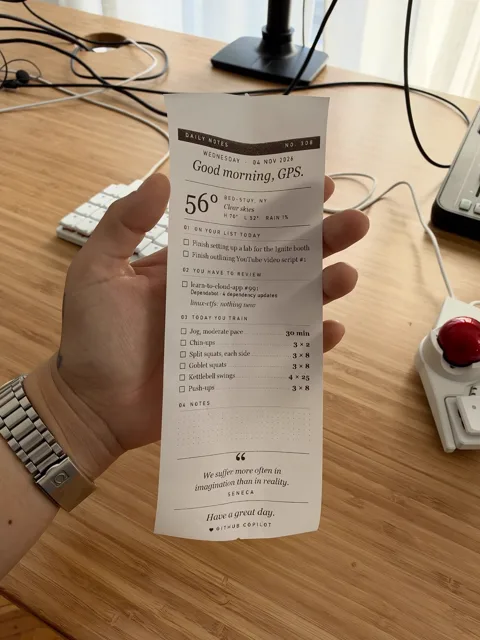
A custom Swift network-print utility sends physical packing slips and shipping labels from computers to printers at either warehouse in one click.

Read the original build See shopping list
warehouse print bridge
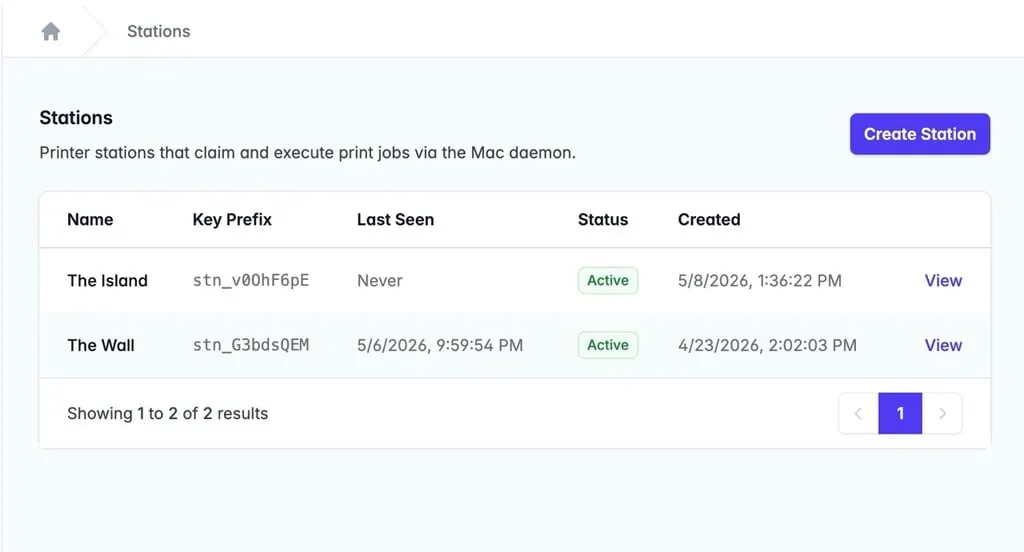
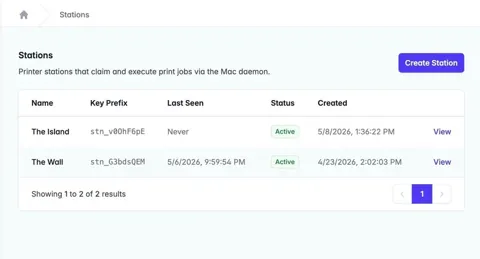
TRMNL · shipping-station management interface

What the hardware does

A custom network bridge prints actual labels and packing slips across two warehouses.

How the agent helped

Ryan Kulp's firsthand rollout says 'to actually write the code we used Claude (CLI) and the Superpowers skill'; its final-product section identifies the Swift printer utility and shows the shipping station used in the deployed system.

Before you build

Exact printer models, protocol and reusable source are not disclosed. AI attribution covers the wider project rather than each line of Swift.

Follow the build

trmnl.com

Original build story

First-person production build story with physical shipping-station photograph

trmnl.com
Supporting source

TRMNL · shipping-station management interface

Shopping list

Save as Markdown

Parts for one build. Reuse equipment you already own. Quantities are planning quantities unless the creator explicitly specifies a count; kit contents are not additional purchases.

Confirm before buying

  • Printer models, protocol, cables, host requirements and reusable bridge source are not published. Do not represent a generic 4×6 printer as tested with this bridge.

Quantities are for one build. Unless marked source-specified, they are planning quantities; confirm kit contents and the chosen configuration before ordering.

  1. Qty. 1Plan / confirm
    Required

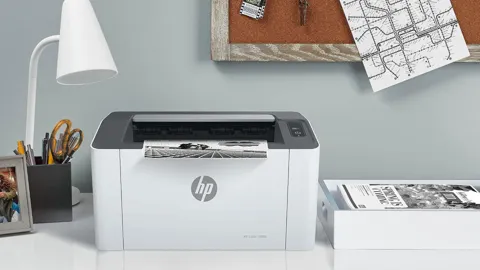
    4×6 thermal shipping-label printer

    Print warehouse labels.

    Exact printer models and control protocol not disclosed.

    Sources & quantity basis

    Creator source. Planning quantity for one build; check the selected configuration.

    No exact purchase link verified; confirm the model and requirements above before ordering.

  2. Qty. 1Plan / confirm
    Required

    Mac

    Run the Swift print bridge.

    Exact model and OS version not disclosed.

    Sources & quantity basis

    Creator source. Planning quantity for one build; check the selected configuration.

    No exact purchase link verified; confirm the model and requirements above before ordering.

  3. Qty. As neededPlan / confirm
    Required

    4×6 thermal labels

    Consumables.

    Confirm roll/fanfold support, core size and direct-thermal requirements on the selected printer.

    Sources & quantity basis

    Setup requirement — check against your configuration. Planning quantity for one build; check the selected configuration.

    Use existing equipment or match the specification above. No exact purchase link verified.

  4. Qty. To confirmPlan / confirm
    Required

    Printer cable / network and matched power supply

    Connect and power the printer.

    Sources & quantity basis

    Setup requirement — check against your configuration. Planning quantity for one build; check the selected configuration.

    Use existing equipment or match the specification above. No exact purchase link verified.

Source reviewed, not assembled or hands-on tested. A working product page does not confirm stock, firmware compatibility or a complete build.

Built something with a coding agent?

Share your hardware project so others can try it.

Submit a project